How to Boost Efficiency Through Automation Techniques?
In today's fast-paced world, businesses face constant pressure to enhance productivity. Many leaders seek solutions to improve workflows and minimize costs. One effective approach is to streamline processes through automation. This technique allows companies to reduce manual dependencies and enhance accuracy.
Implementing automation can seem daunting. Companies may struggle with the initial investment or worry about job displacement. However, the long-term benefits often outweigh these concerns. Automation can free up employee time, allowing staff to focus on strategic tasks. This shift can lead to increased creativity and innovation.
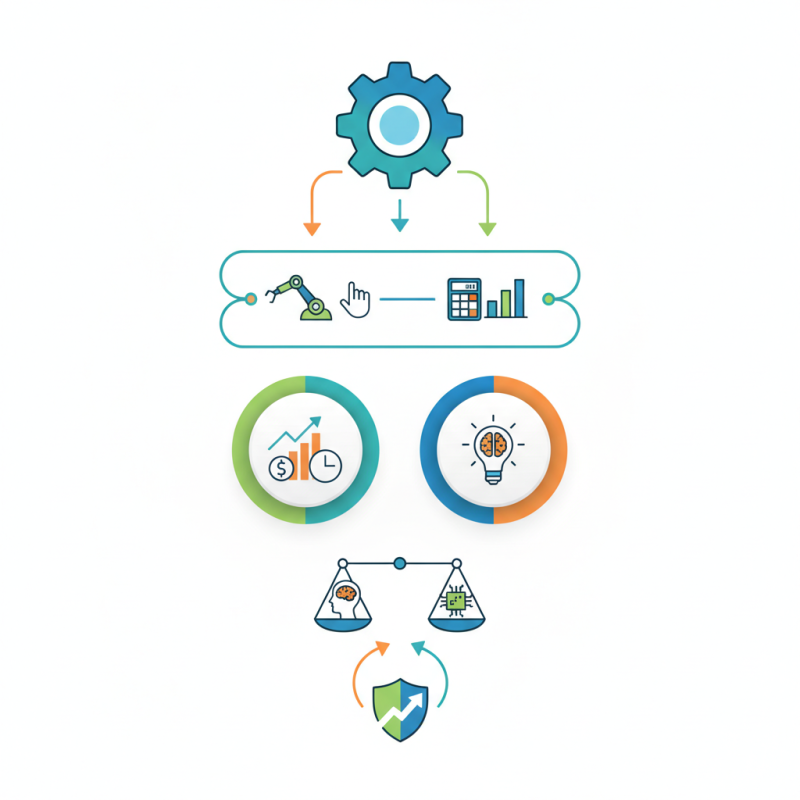
Yet, it's crucial to remember that automation isn't foolproof. Some processes may not suit automation, leading to wasted resources. Businesses must evaluate their needs carefully. Striking a balance between automation and human input is vital for sustainable growth. By embracing automation thoughtfully, companies can drive efficiency and remain competitive.
Understanding Automation Techniques: A Comprehensive Overview
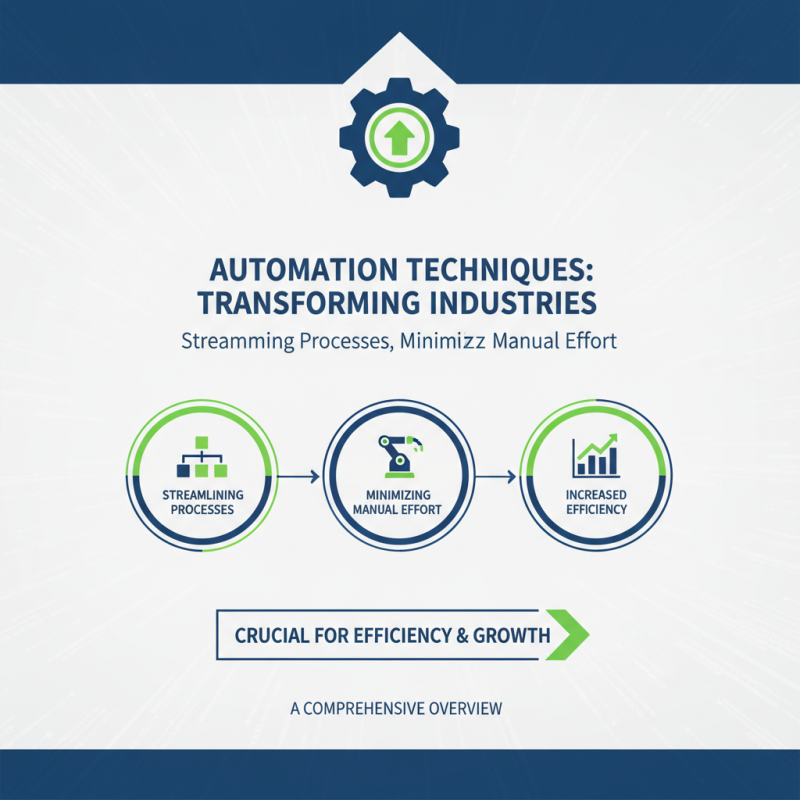
Automation techniques are transforming industries. They streamline processes and minimize manual effort. Understanding these techniques is crucial for achieving efficiency.
Workflow automation is a key aspect. It helps in managing repetitive tasks. Imagine scheduling meetings or sending reminders automatically. This saves valuable time. However, not all tasks suit automation. Some require human touch and decision-making.
Another technique is robotic process automation (RPA). RPA can handle data entry or invoice processing. It operates swiftly but may struggle with complex tasks needing critical thinking. Tracking KPIs post-automation reveals effectiveness. Reflecting on these aspects is essential for optimizing results. Automation is a powerful tool, but it is not a one-size-fits-all solution.
Identifying Areas for Automation: Analyzing Workflows and Processes
Identifying areas for automation is crucial. Start by analyzing workflows. Gather a team to map out current processes. Look for repetitive tasks. These tasks are often time-consuming and prone to error. Is data entry taking too long? Are there unnecessary approvals in the process? Recognizing these bottlenecks can guide your automation efforts.
Next, observe how tasks are performed. Talk to team members for insights. They hold valuable knowledge of daily pain points. Sometimes, automation might seem overwhelming. It can feel risky to change established systems. However, starting small can lead to significant improvements. Consider automating just one process to start with. This will help in assessing the impact. Reflect on whether the automation delivers as expected. It’s important to remain flexible. Learn from any setbacks along the way as you refine your approach.
How Automation Techniques Improve Efficiency
This chart illustrates the impact of automation techniques on operational efficiency. As shown, automation significantly reduces processing times and error rates compared to manual processes, showcasing the benefits of streamlining workflows.
Selecting the Right Tools: Evaluating Automation Software and Solutions
When selecting automation tools, consider your specific needs. Every team has distinct workflows. It's crucial to evaluate what tasks you want to automate. A tool designed for one industry may not fit another. Look for flexibility and customization options. These are key in ensuring the software meets your requirements.
Take the time to research various solutions. User reviews can provide valuable insights. However, don't rely solely on ratings. A high score might not reflect your team's experience. Trial periods are incredibly useful. They allow you to test functionality first-hand. During this phase, assess user-friendliness and integration capabilities. Are your current systems compatible? You may need to rethink your choices.
Keep in mind that no automation tool is perfect. Expect some initial complications. Training staff can pose challenges. Some may resist change or struggle with new systems. Consider investing time in training sessions. Engaging with your team can convert skepticism into enthusiasm. This approach fosters a supportive environment for testing and implementing a new tool.
Implementing Automation: Step-by-Step Guide to Integration
Automation is transforming how we work. Implementing automation techniques can make processes faster and reduce errors. Begin by identifying repetitive tasks in your workflow. Look for manual processes that consume time. This is where automation shines.
Tips: Start small. Pick one task to automate. Gradually expand to others. This will help your team adapt. Be prepared for hiccups. Some tasks may not automate smoothly. Regularly review these tasks for improvements. Ask for feedback from team members.
Once you've chosen tasks, evaluate the right tools. Not all automation solutions fit every scenario. Test different options to see what works best. Consider ease of use and integration potential. Aim for a solution that aligns with your existing systems. Revisit your integrations often. Automation requires upkeep. As your needs change, so may your tools.
Measuring Success: Key Performance Indicators for Automation Efficiency
When implementing automation techniques, measuring success is vital. Key performance indicators (KPIs) help evaluate efficiency gains accurately. Start by focusing on time savings. Tracking how much time tasks take before and after automation can reveal significant improvements. You may find that some tasks take longer than expected, indicating a need for process refinement.
Another critical KPI is error reduction. Automated processes often minimize human mistakes. Monitoring error rates can provide insights into the effectiveness of automation. It's not uncommon to see initial increases in errors during the transition phase. This highlights the importance of training and adjustments.
Cost savings are also essential. Analyze operational costs before and after automation. However, keep in mind that upfront investment might be high. Sometimes, the return on investment is slower than projected. Regular reviews of these KPIs ensure that the automation is genuinely boosting efficiency.